After

AI dance from a single photo
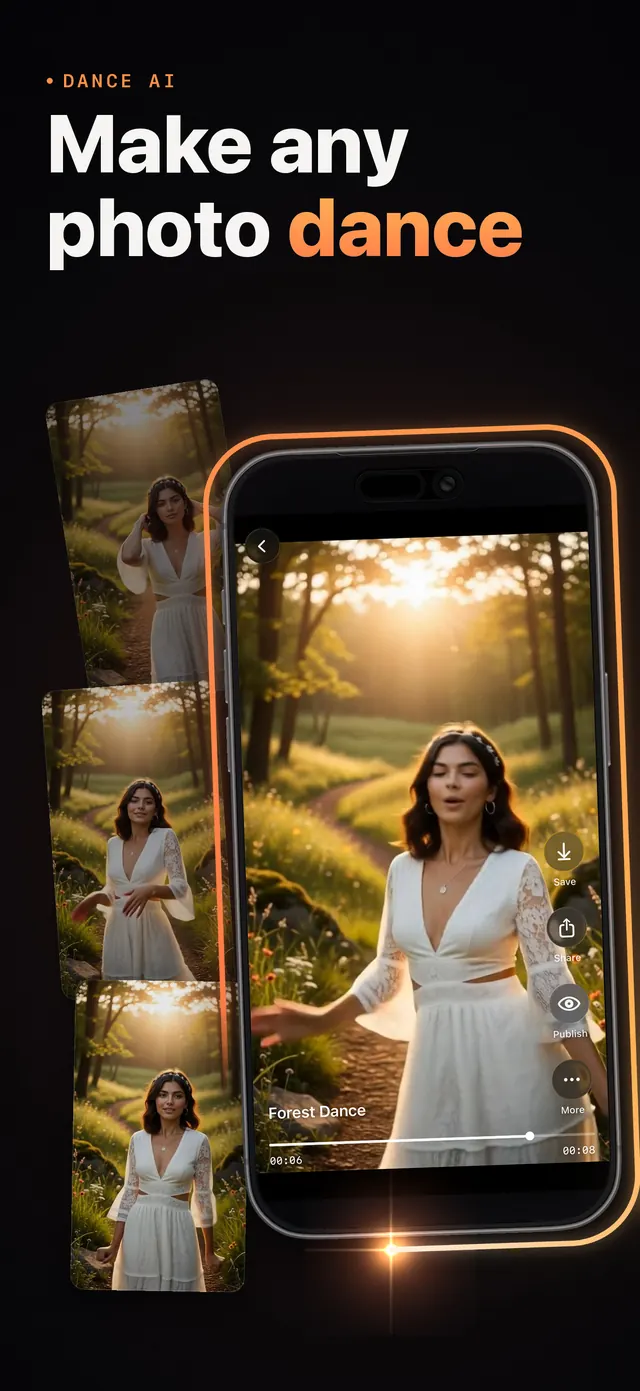
Choose a dance, add one photo and get a video of you dancing it.
Make your selfie dance, see yourself as an anime hero, a clay figure or an action figure, or type a scene in your own words and Vidoa makes the video.
 Free to download. New accounts get starter credits.
Pick a photo, choose what should happen and watch it come to life. Add reference images to guide the characters and the look of your video.
Choose a dance, add one photo and get a video of you dancing it.
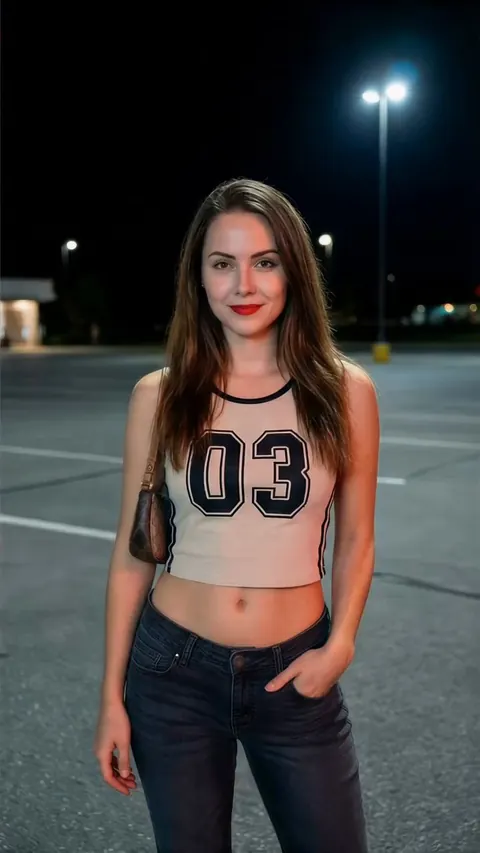
Watch yourself turn into a vampire, a zombie or an ice queen, made from your own photo.
Upload a selfie and Vidoa films you sharing the frame with a lion, a white tiger or a wolf.
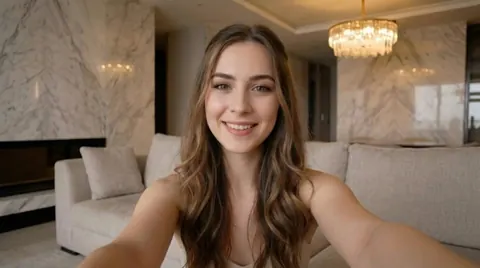
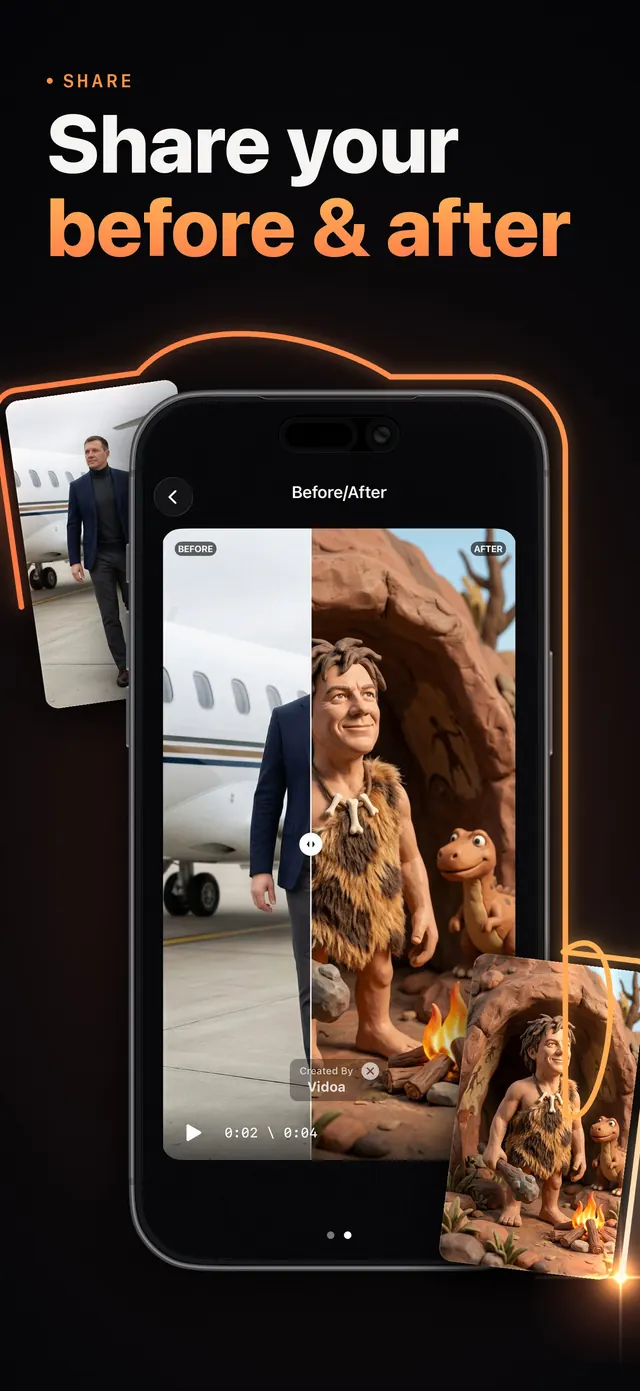
Pick a template, add your photo and let Vidoa do the rest. Cartoon and anime styles, claymation, 3D figurines, caricatures and more.
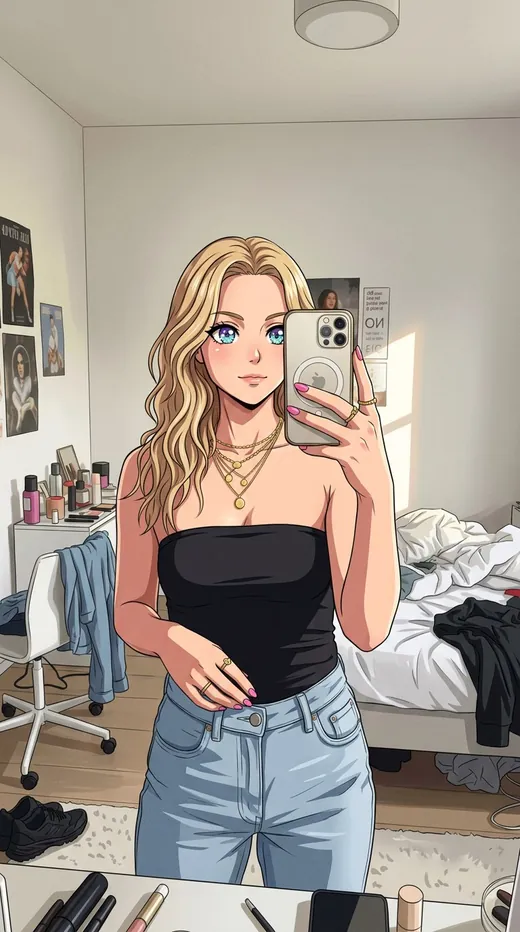
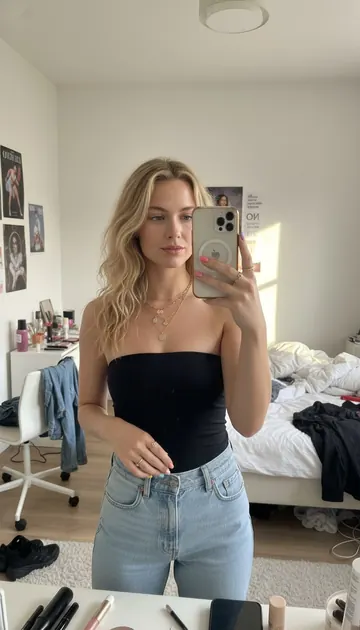 Anime

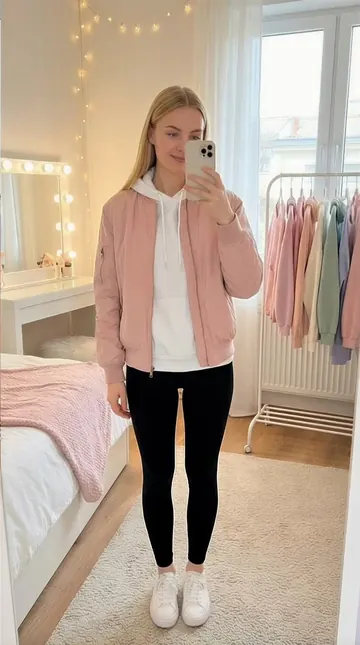 Chibi
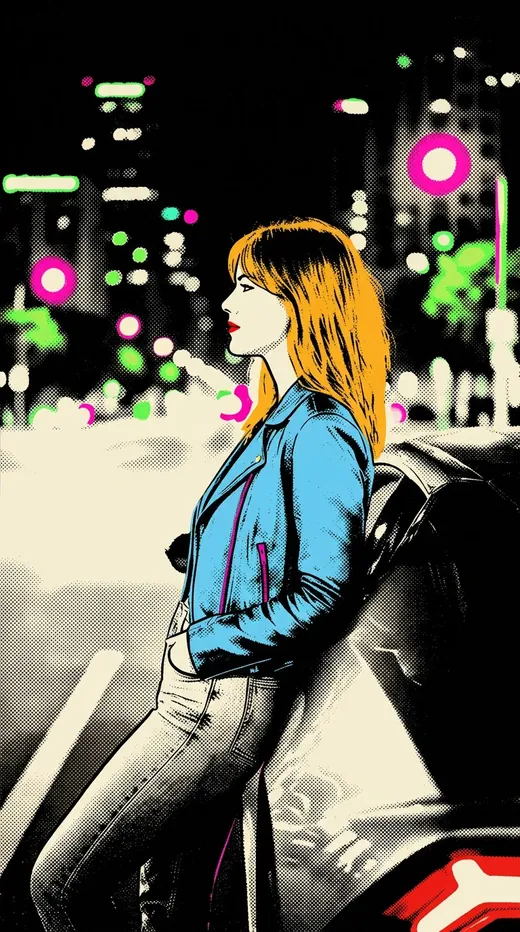
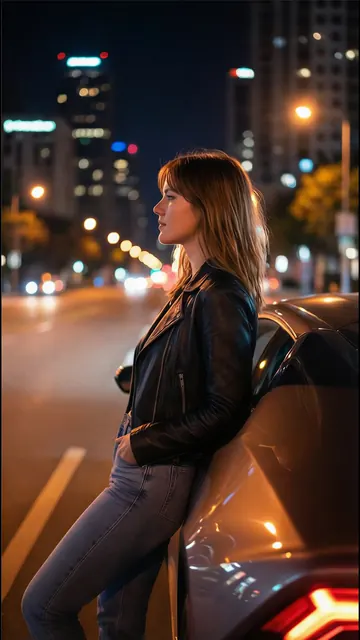 Pop art
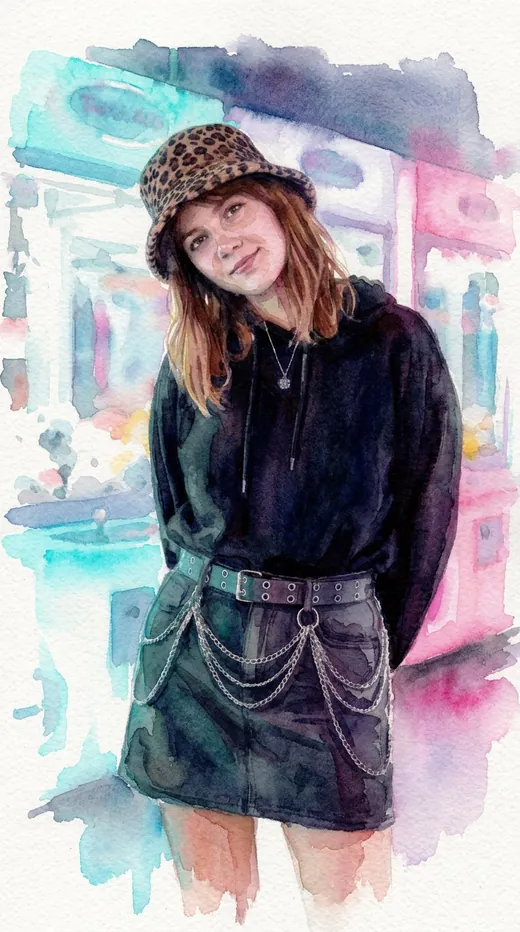
 Watercolor
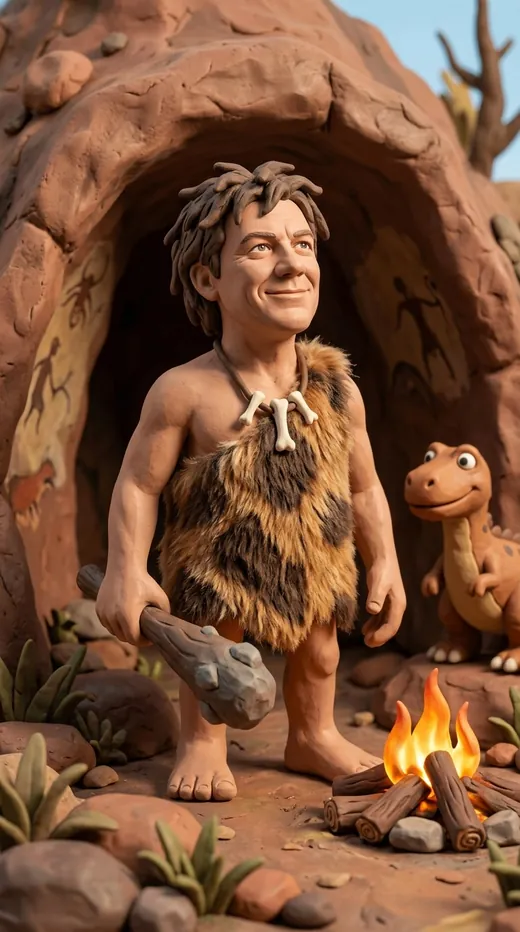
 Claymation
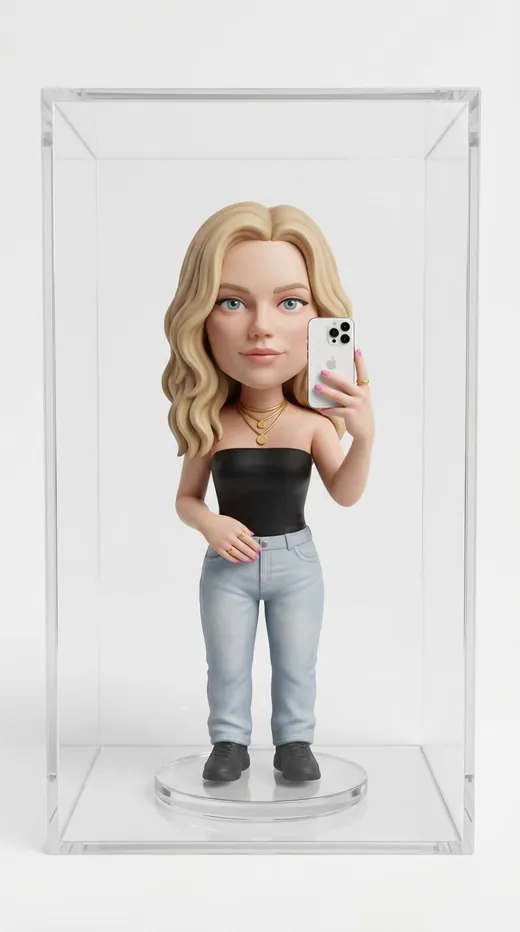
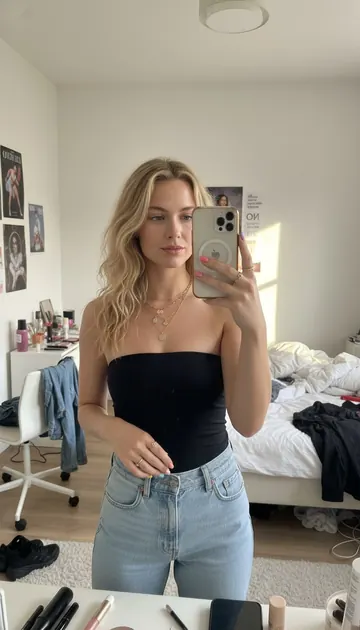 Vinyl figurine
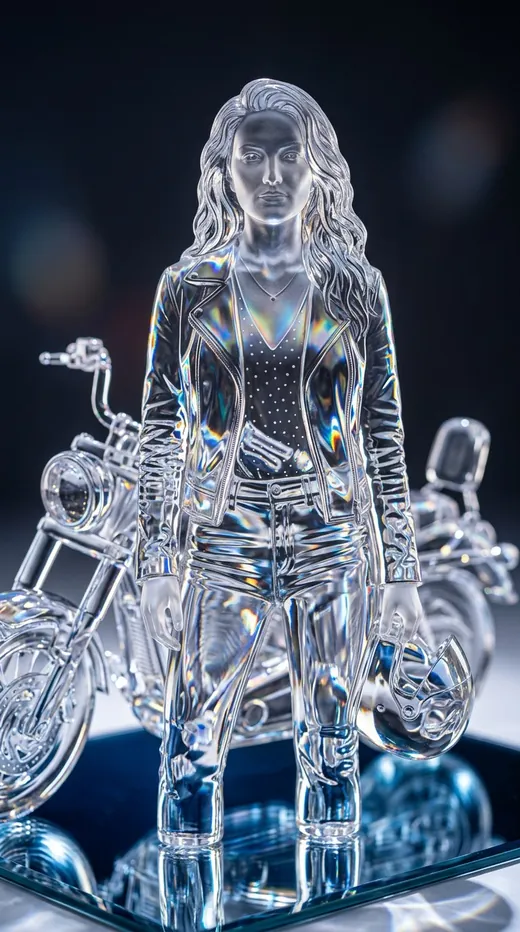
 Crystal figurine
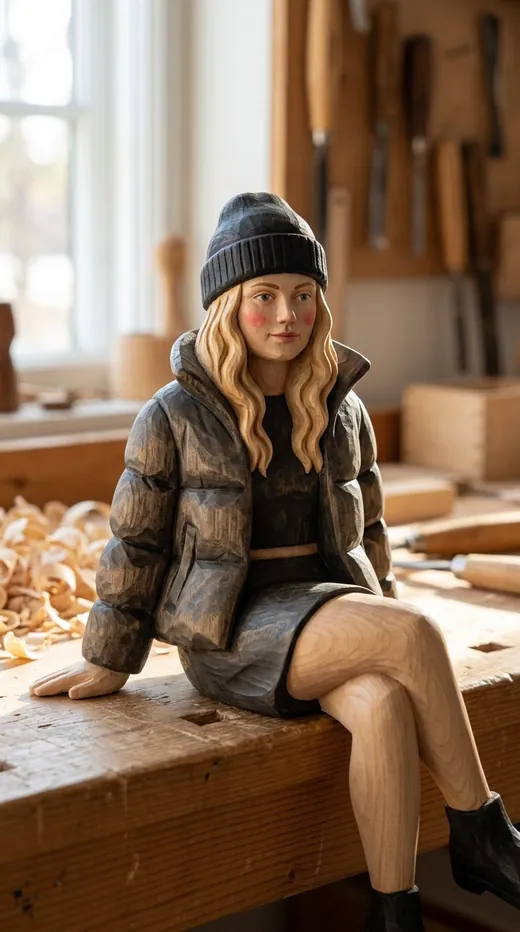
 Wooden figurine

 Caricature
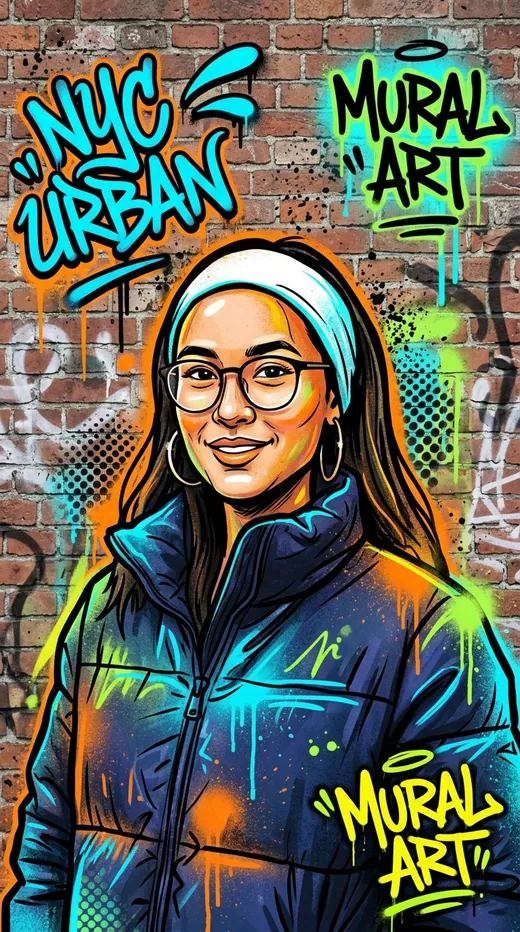
 Street art
Describe a scene, a mood or a short story, and Vidoa turns your words into a video clip. Made for faceless reels, shorts and stories.
Time stops on a sunny harbor pier while she walks through the frozen moment.
A dark fantasy sorceress summons glowing magic, shot like a film.
A relaxed, everyday moment on a sunny afternoon, filmed handheld.
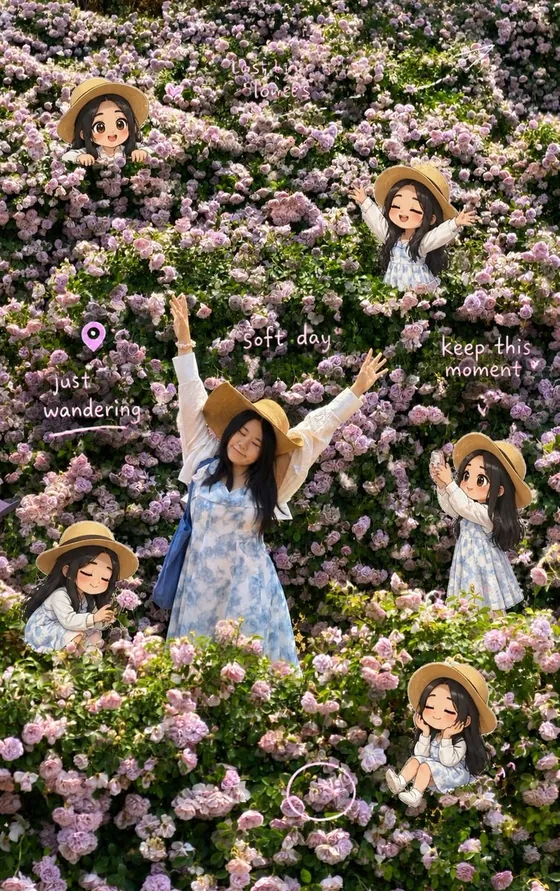
Create an image from a text prompt, or edit your own photo by saying what should change. Add reference images to guide the result.
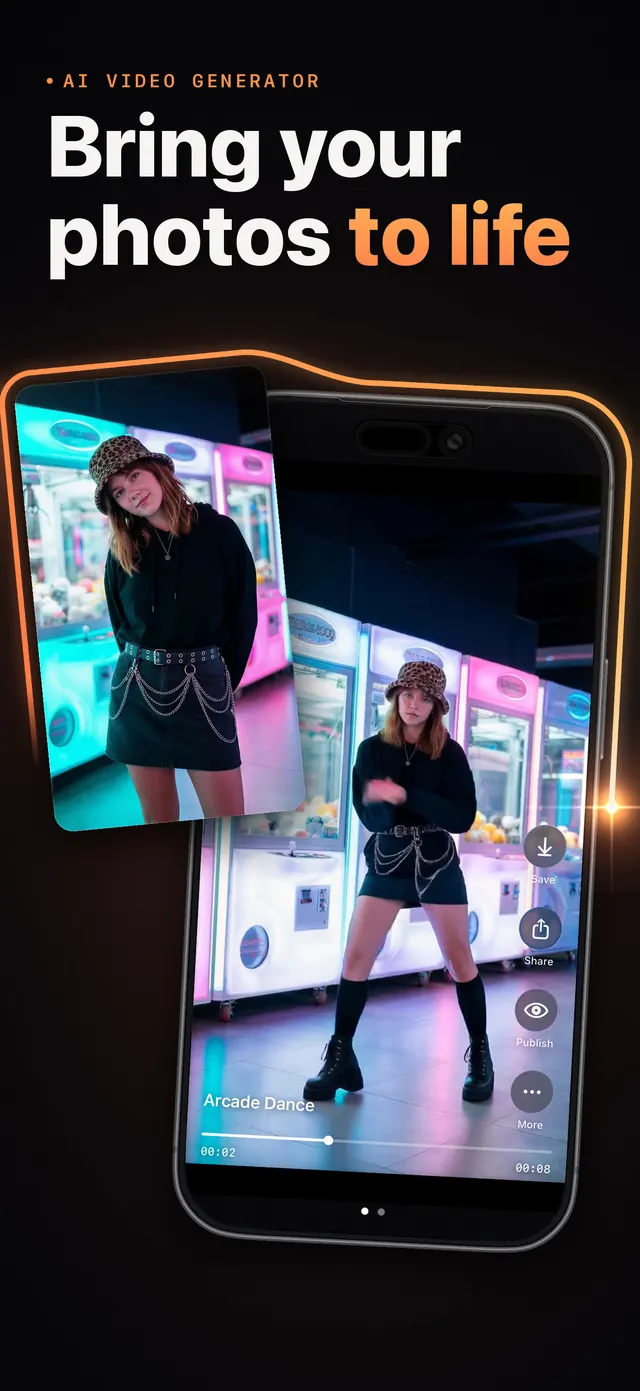
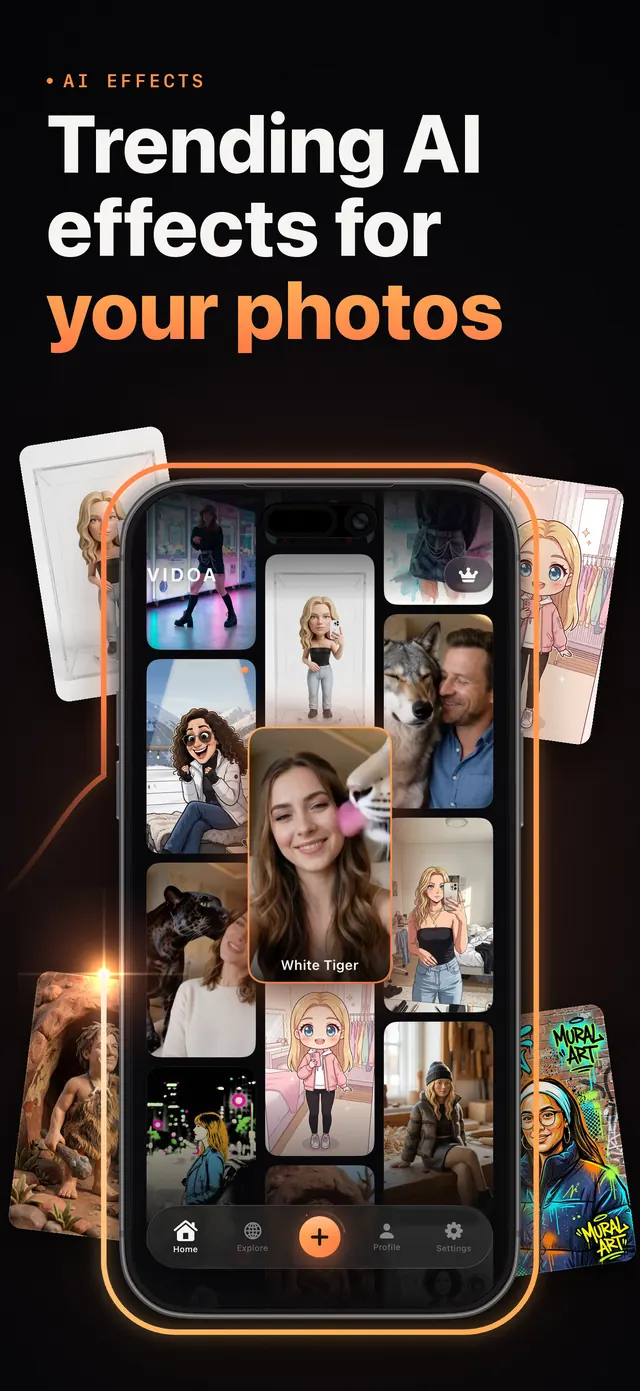
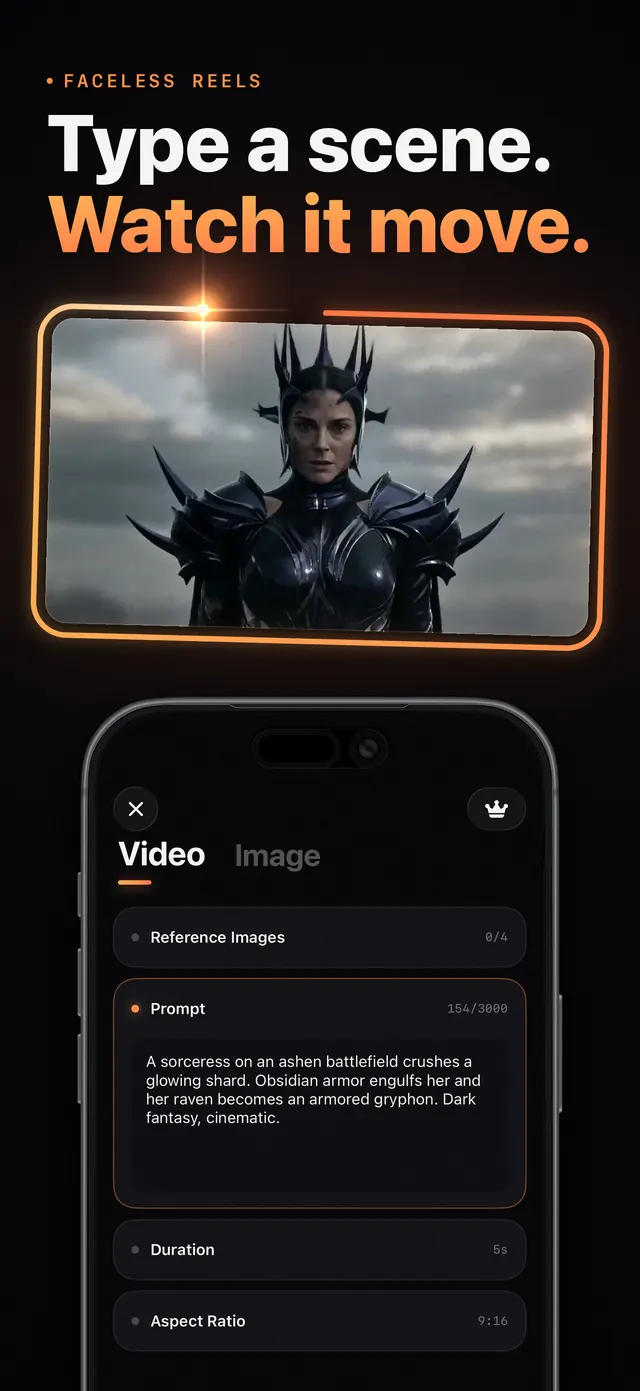
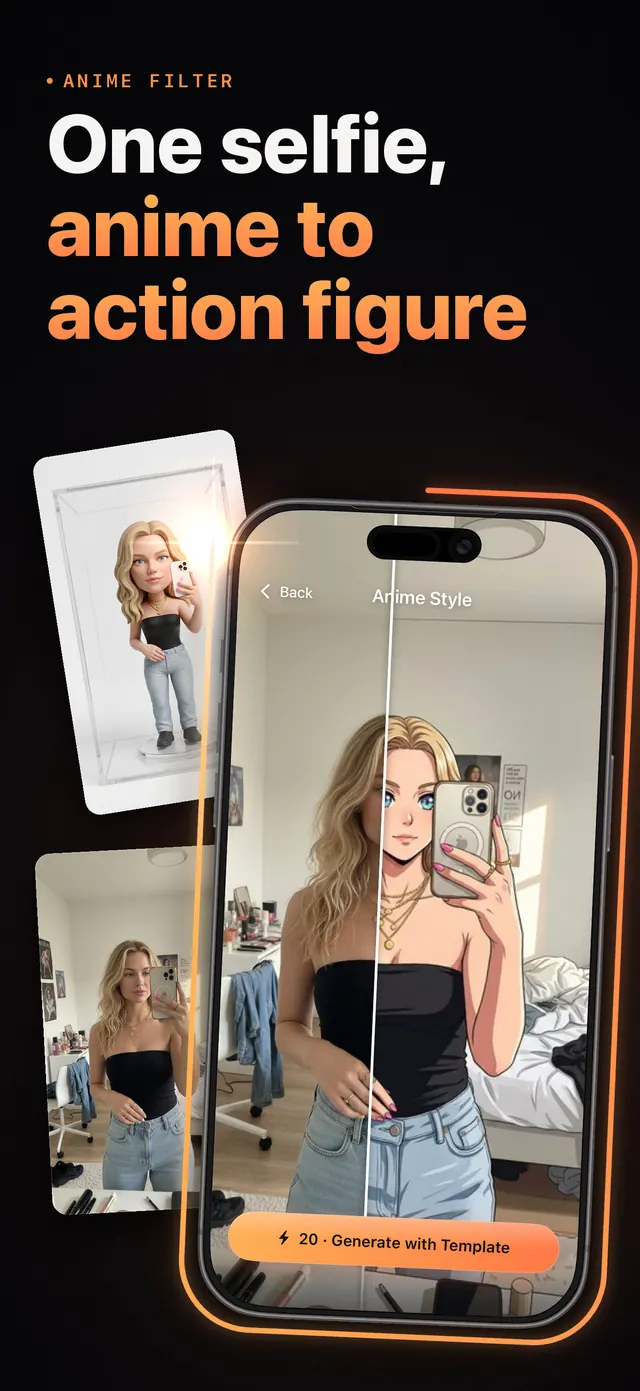
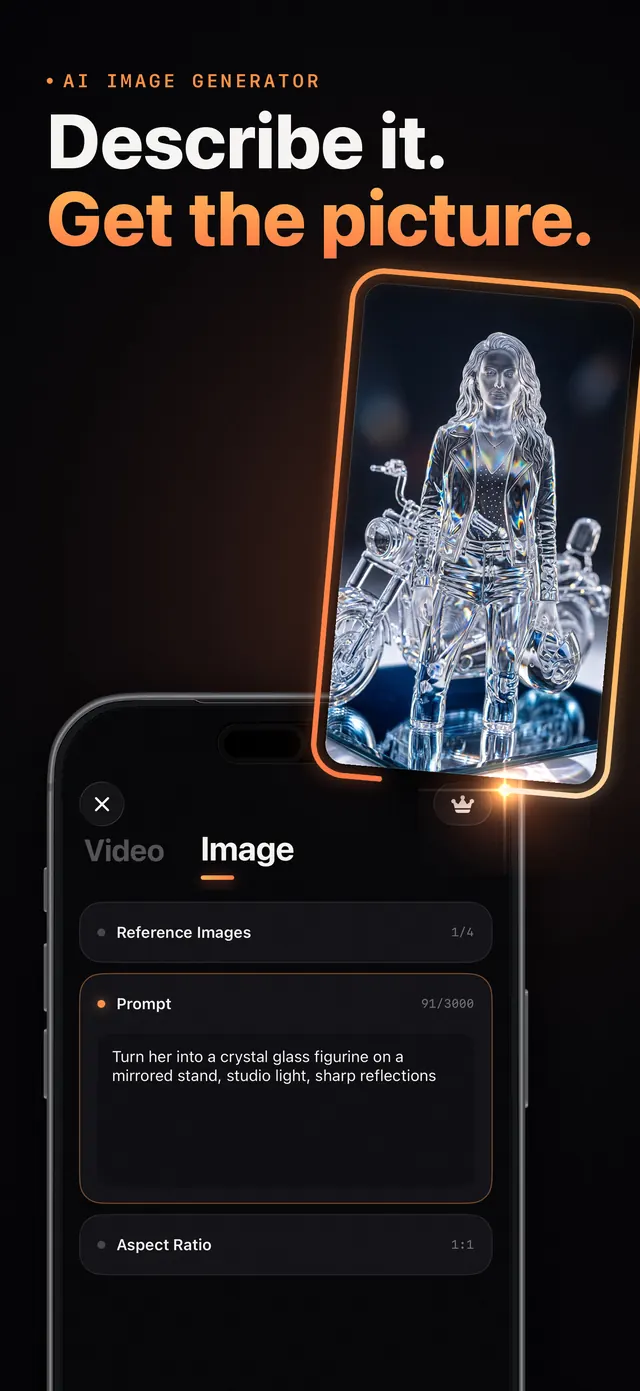
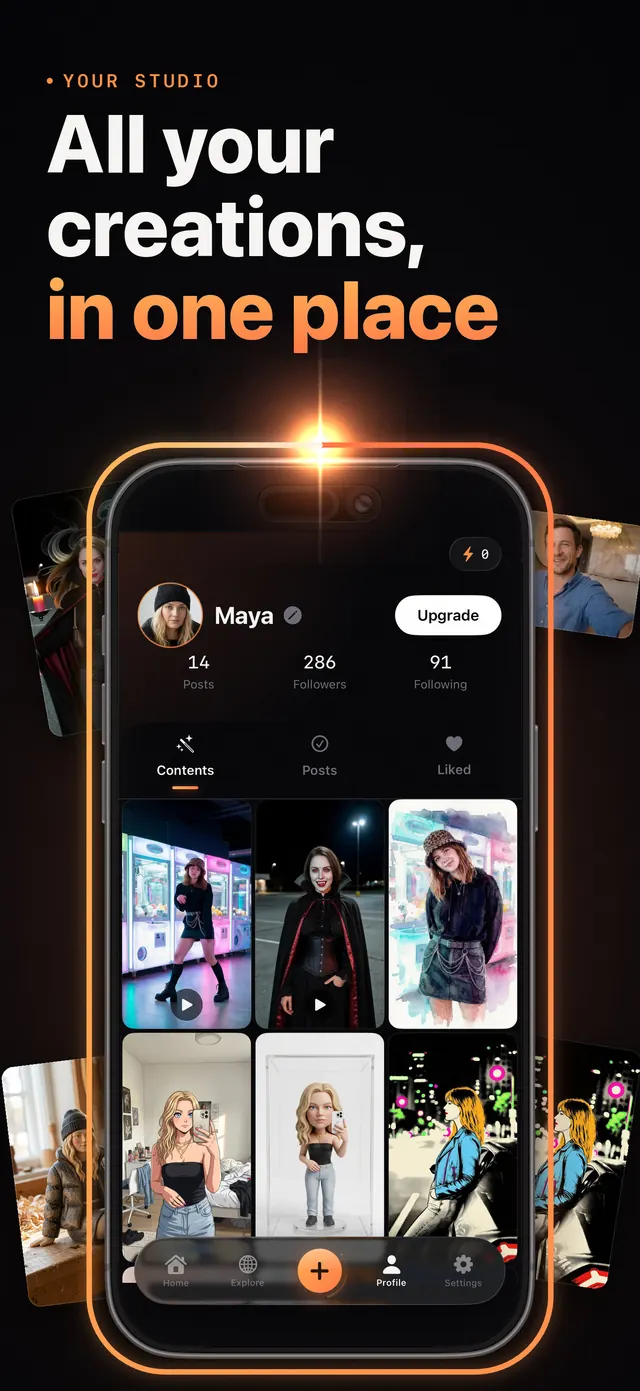
Browse dances, looks and effects, or start from text to video and the image generator.
The cost in credits is shown before you create, so there are no surprises.
Images are usually ready in seconds. Videos take a few minutes, and you can keep using the app while they render.
Every creation uses credits, and the cost is shown before you create.
Download Vidoa and start with the starter credits every new account gets.
An auto-renewing subscription for people who create often.
Running low before your next period? Studio Pass members can top up.
Prices, including any free trial or introductory offer, are shown in the app before you buy. Payment is charged to your Apple Account. Studio Pass renews automatically unless auto-renew is turned off at least 24 hours before the end of the current period. You can manage or cancel it in your Apple Account settings.
Before anything is sent, the app names the AI provider that will process it and asks for your consent.
The photos you upload are deleted from our servers automatically within 3 days.
Your creations stay until you delete them. Delete one, or your whole account, any time.
Faces are never used to identify you or to train AI models.
Vidoa is an AI video generator for iPhone and iPad. It turns your photos into videos, makes your selfie dance, gives you anime, cartoon, clay and action figure looks, puts you next to wild animals, turns a text prompt into a video and generates or edits images.
Vidoa is free to download, and new accounts get starter credits to try it. Each creation uses credits, and the cost is shown before you create. Studio Pass, an auto-renewing subscription, adds fresh credits every billing period and opens every AI tool and template. Prices are shown in the app before you buy.
Images are usually ready in seconds. Videos take a few minutes, and you can keep using the app while they render.
Vidoa runs on iPhone and iPad with iOS 18.5 or later.
The app is available in English, Turkish, German, French, Spanish, Italian, Portuguese, Russian, Swedish and Danish.
Before anything is sent, the app asks for your consent and names the AI provider that processes it. The photos you upload are deleted from our servers automatically within 3 days. Your creations stay in your library until you delete them, and you can delete your account and all its data at any time. Details are in the privacy policy.
Open the Settings app on your iPhone, tap your name, then Subscriptions, choose Vidoa and cancel. Cancel at least 24 hours before the end of the current period to avoid the next renewal.
Open the Studio Pass screen in the app and tap Restore.
Still stuck? Contact support.
Free on the App Store for iPhone and iPad.